Contract upload (AI assisted)
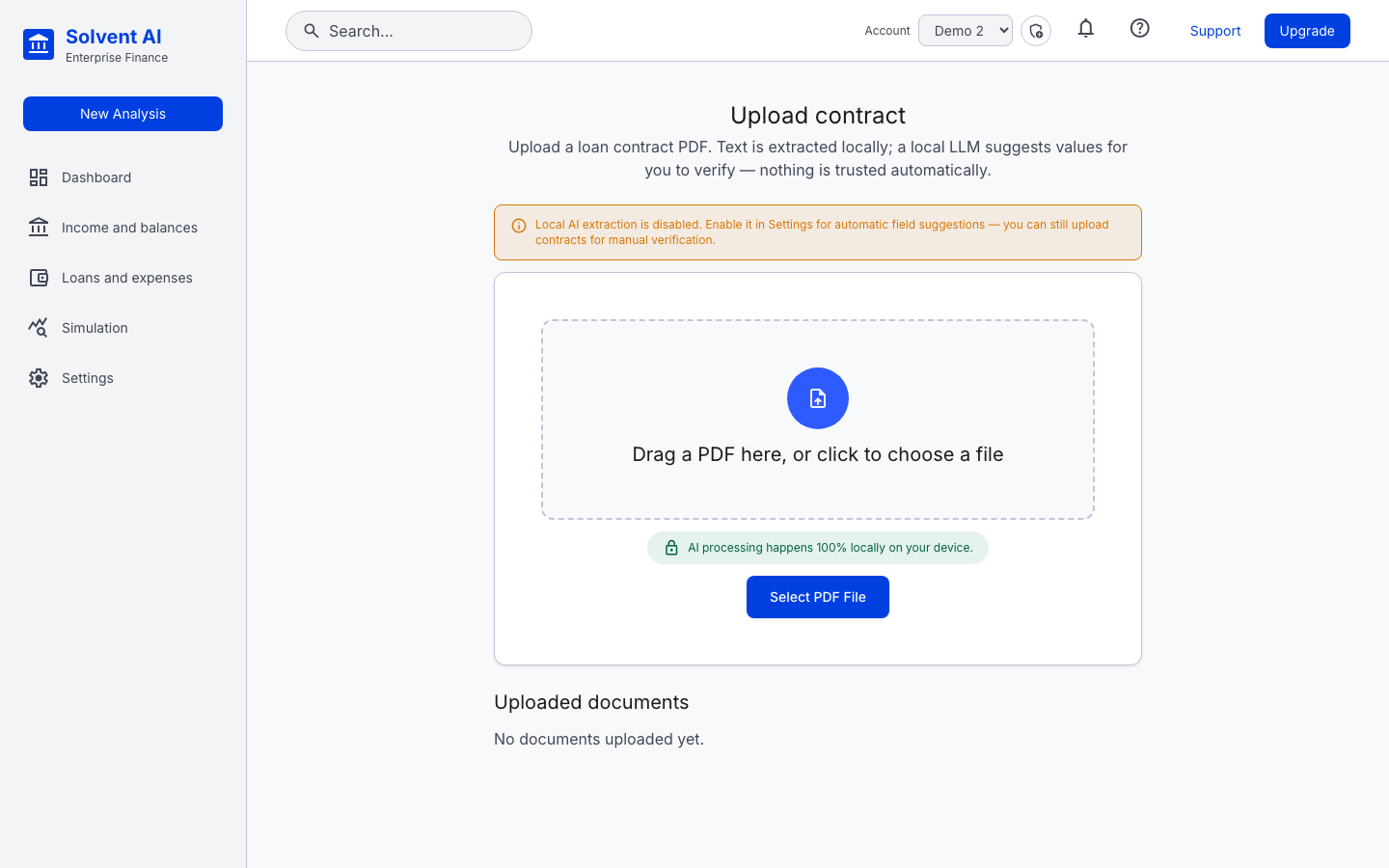
You can upload a loan contract PDF to pre-fill a loan. The upload is available from the loan wizard (Start from contract) and from the contract upload page.
Pipeline
- Text extraction: the PDF's text layer is read on your machine.
- Quality check: if the text looks poor (for example a scanned contract), an OCR fallback runs. If OCR is unavailable, the document is still kept for manual review.
- LLM extraction (optional): a local, OpenAI-compatible LLM goes through the contract in chunks. A live checklist tracks the fields: loan type, principal, start date, term, payment frequency, amortization and interest rate.
- Review: each field is marked as found, Missing or Needs review (low confidence). Nothing is trusted automatically.
- Confirm & Add to Portfolio: creates an active loan linked to the contract document.
:::tip Privacy Extraction runs on your device. The contract text is only sent to a non-local endpoint if you explicitly turn on Allow cloud LLM fallback in Settings. :::
If local AI extraction is turned off, uploads still work and you fill in the fields manually.
Document statuses: Uploaded → Extracting… → Extracted or Failed.