Dashboard
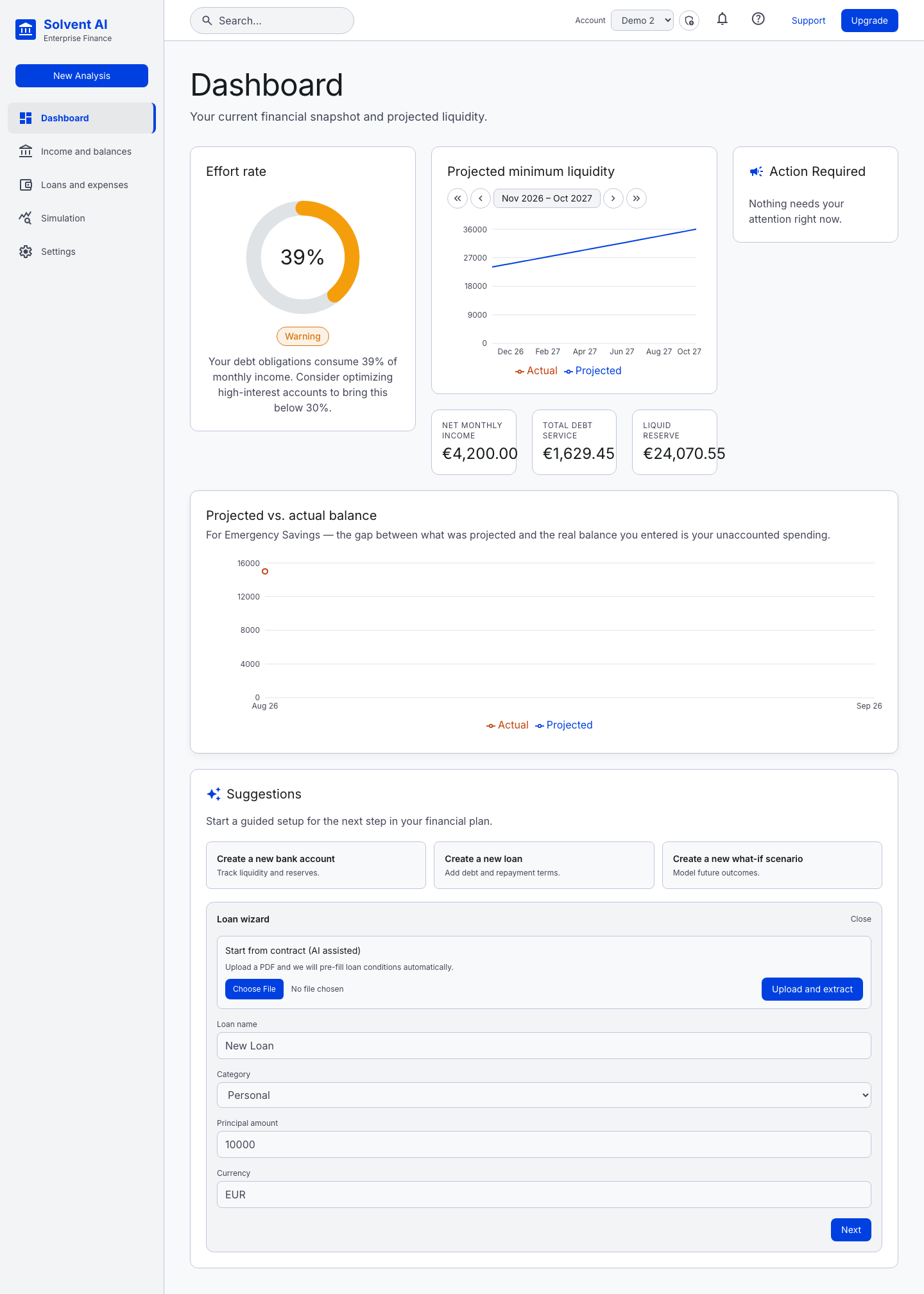
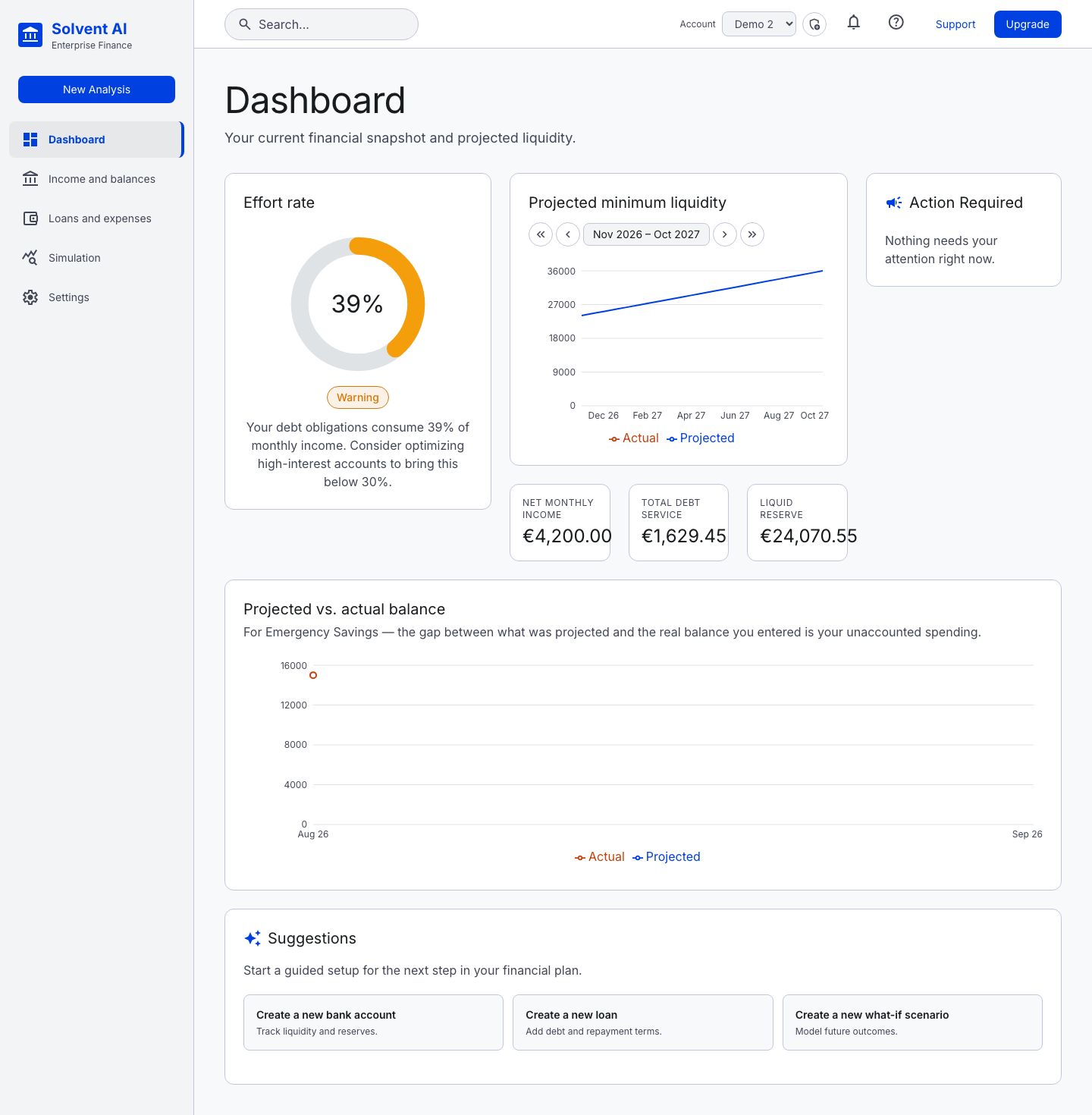
The dashboard is a snapshot of where you stand today and where your liquidity is heading.
Effort rate (DTI)
The gauge shows how much of your net monthly income goes to debt service:
- Healthy: below 30%
- Warning: 30% or more. The demo account sits at 39%.
- Critical: a level where reducing debt service should be the priority
Net monthly income counts monthly-frequency income from active accounts. Debt service is the payment due today on each loan, taking into account any rate reset after a fixed period.
Projected minimum liquidity
A 12-month line chart of total liquidity across all active accounts.
- Paging:
‹ ›moves the window by one month and« »by one year. The arrow keys also work. The window can go up to about 99 years ahead. - Going back in time: negative offsets replay the past. They use the configuration (income, expenses, loans) that was actually in place at each point, not today's, so you see what the app would have projected back then.
- Actual: orange dots are real balances you entered (each time you save an account balance).
- Savings trend: once there are at least two real balance entries on different dates, a dashed green line appears. It averages the savings rate of each period between consecutive entries (each period counts equally) and extends it forward from your latest real balance. The legend shows the average monthly savings, for example "Savings trend (€450.00/mo avg)".
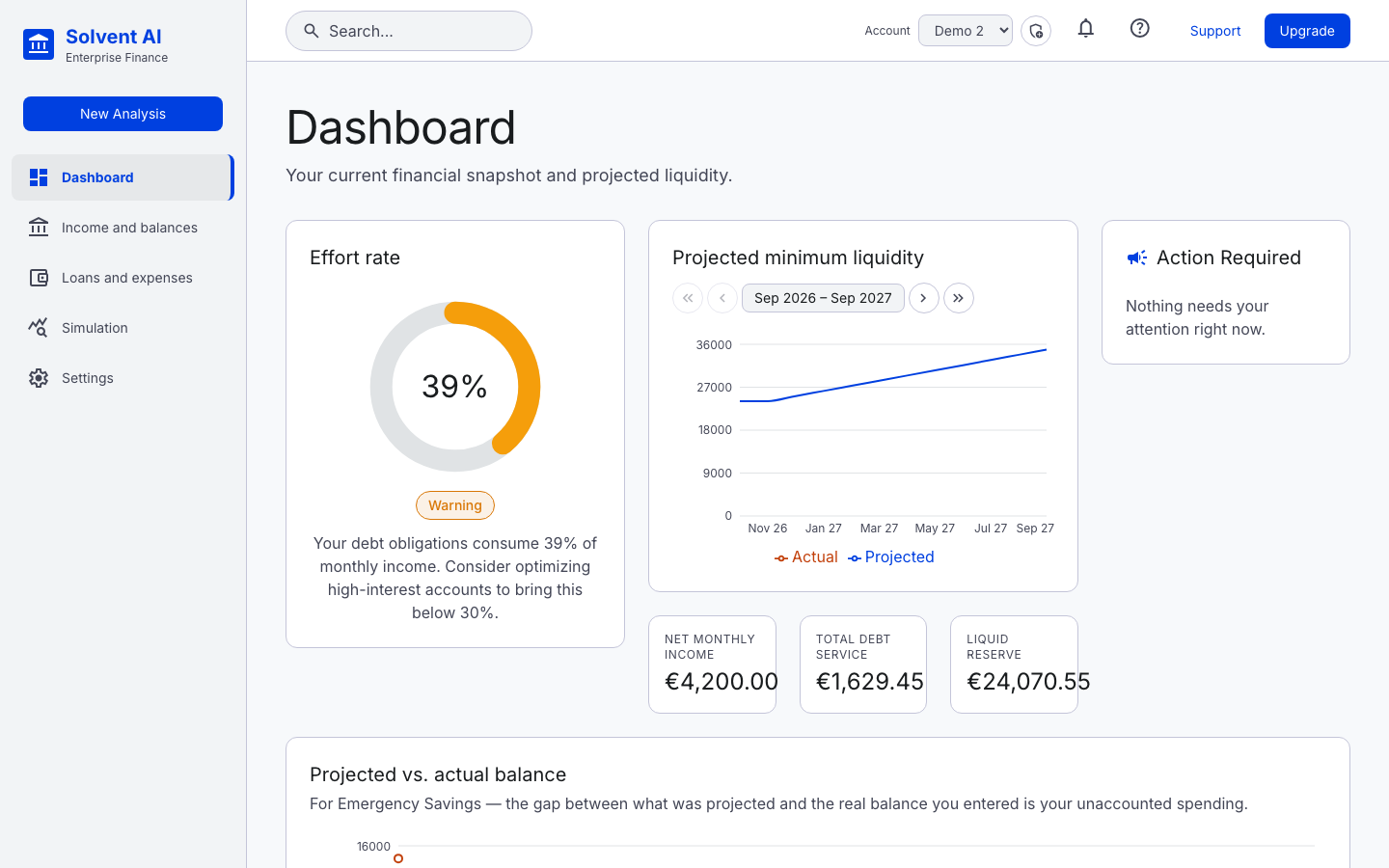
Demo 2 has only one real balance entry so far, so its chart shows no savings-trend line yet. Update an account balance on a later date and the line appears.
The three cards under the chart show Net Monthly Income, Total Debt Service and Liquid Reserve (total liquidity).
Action required
This lists liquidity breaches in the next 12 months: months where an account is projected to fall below its minimum reserve. It also shows loan warnings, such as missing rate data or a loan pointing at a missing account.
Projected vs. actual balance
This chart covers a single account (the default account, or else the first one). It compares:
- Projected: what your configured income, expenses and loans predicted, replayed from the account's creation using the configuration in force at each moment
- Actual: the real balances you entered
The gap between the two is your unaccounted spending (or saving).
Suggestions (guided wizards)
Three wizards help you add the next piece of your plan:
- Create a new bank account: name, type, currency, opening balance, minimum reserve
- Create a new loan: manual entry, or start from a contract PDF (AI assisted)
- Create a new what-if scenario