Simulation & what-if scenarios
The Simulation page projects your finances month by month and compares what-if scenarios with the base scenario (your current configuration).
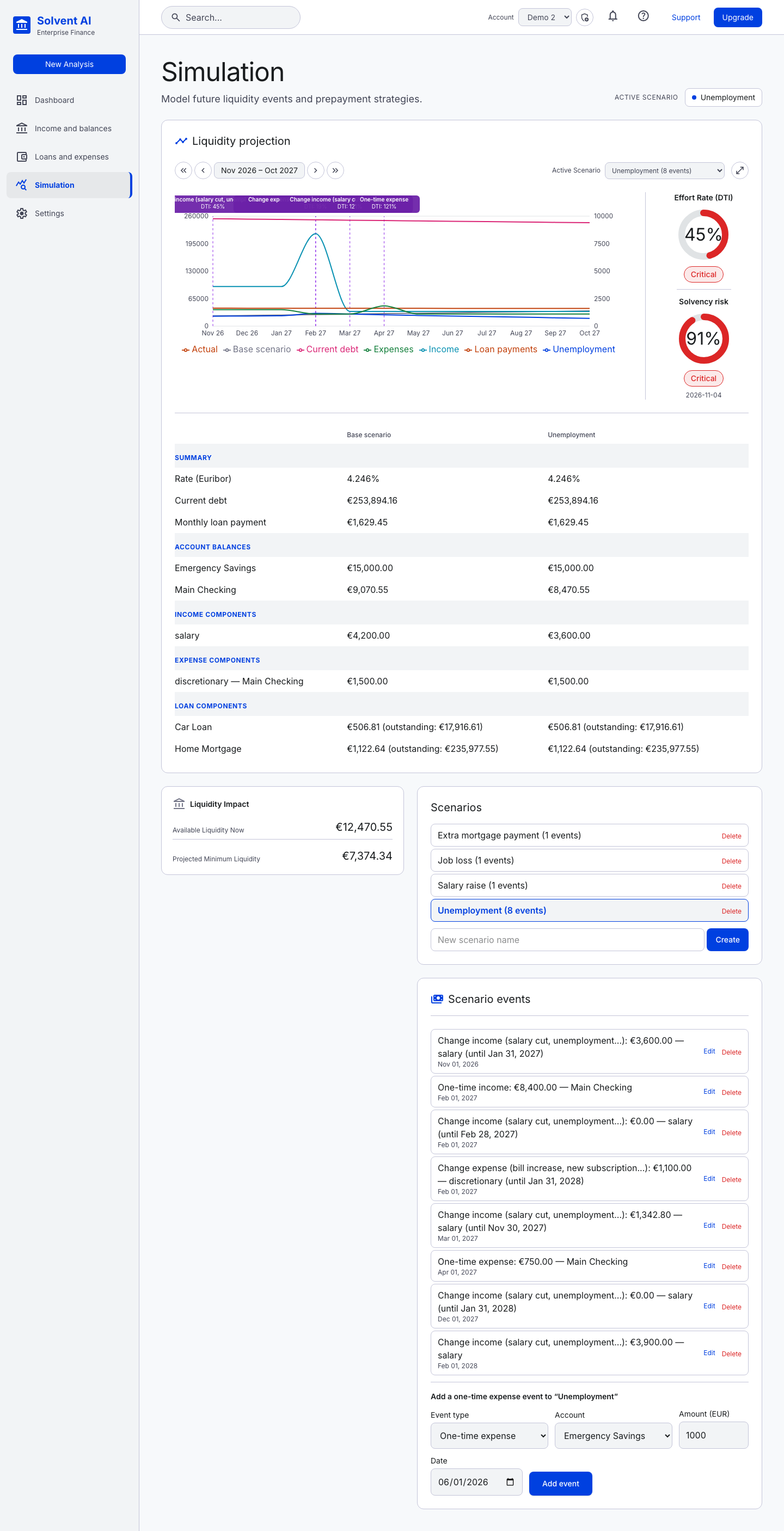
Liquidity projection
The chart has one line each for total liquidity (scenario and base), income, expenses, loan payments and current debt. Real balance entries appear as Actual points.
- Event markers: dashed vertical lines with labels show where each scenario event lands, along with the effort rate that month.
- Navigation:
‹ ›moves one month and« »one year, into the past (historical replay) or up to about 99 years ahead. - Maximize: expands the chart to full screen.
- Side gauges: the selected month's Effort Rate (DTI) and Solvency risk. Solvency risk is 100% once the total balance is zero or negative, 0% once the balance covers all outstanding debt, and scales linearly in between.
Monthly comparison table
For the selected month, scenario and base are shown side by side:
- Summary: Euribor rate, current debt, monthly loan payment
- Account balances: one row per account, with a negative-balance warning
- Income, expense and loan components: one row per item, with each loan's outstanding balance
- Effect on this month: the events that apply in that month
Liquidity impact
- Available Liquidity Now
- Projected Minimum Liquidity: the lowest available liquidity over the next 12 months
Scenarios
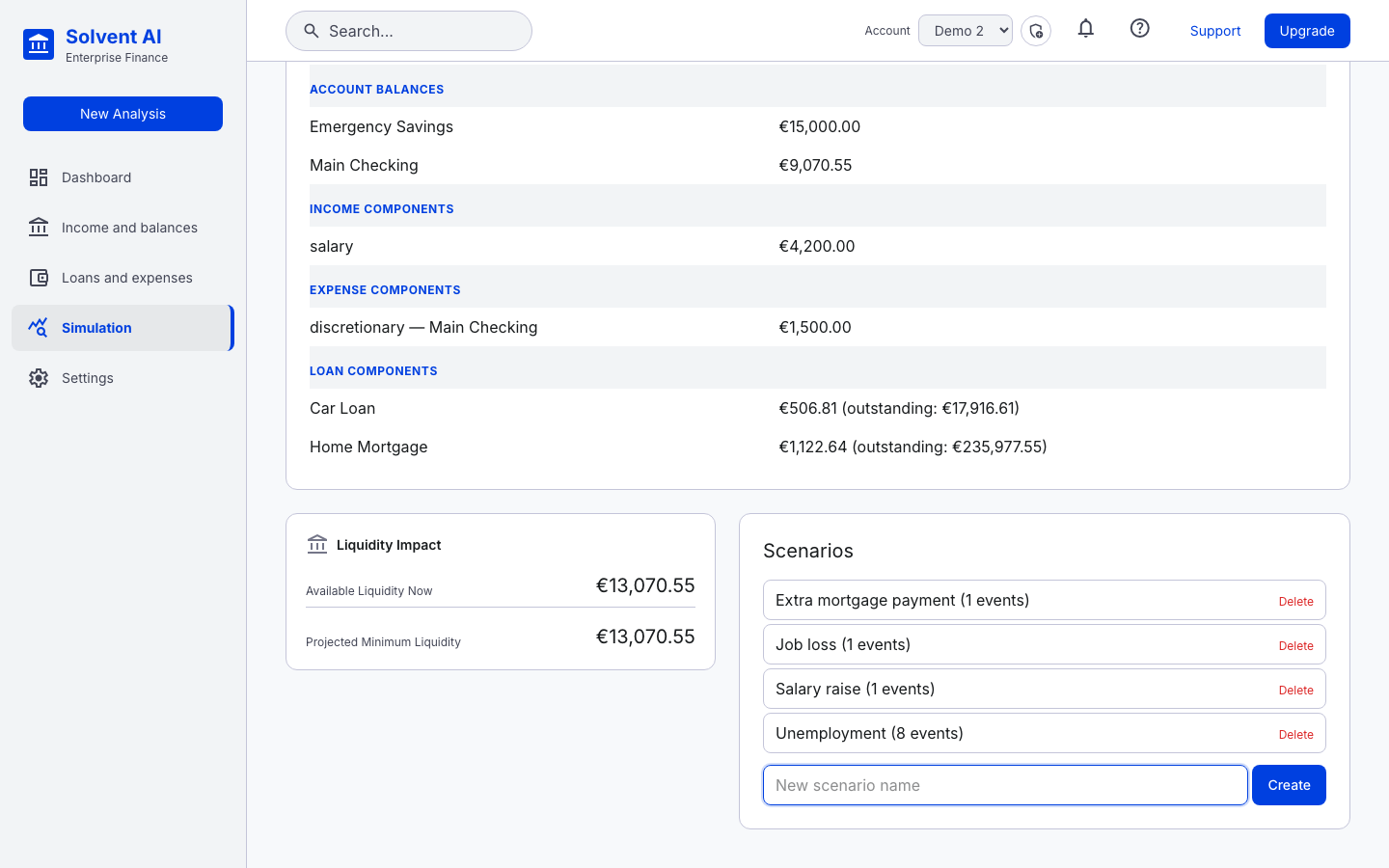
Create a scenario by name (or click New Analysis in the sidebar, which opens this page with the name box focused). You can select a scenario, delete it, or add events to it.
Event types
| Event | Fields | Effect |
|---|---|---|
| One-time expense | Account, amount, date | Debits once |
| One-time income | Account, amount, date | Credits once (for example severance or a bonus) |
| Change income | Income, new amount, date, optional end date | Replaces a recurring income's amount from the date onward. Set it to 0 to model unemployment. With an end date, the original amount comes back afterwards |
| Change expense | Expense, new amount, date, optional end date | Same as above for a recurring expense. Set it to 0 to cancel the expense |
| Loan prepayment | Loan, amount, strategy | Pays down principal from the loan's source account. The strategy is reduce monthly payment or shorten remaining term. Prepayment penalties from the loan's rules are included |
| Interest rate change | Variable or mixed loan, new index value (%) | Sets the full new index value (for example Euribor 6M = 4%). The loan's spread is added on top, and its schedule is recalculated from that date |
Events are applied in a fixed, deterministic order within a month: rate changes, then income and expense changes, then one-time income, transfers, prepayments and finally one-time expenses. The engine works at month granularity: an event affects the whole simulated month it falls in.
Editing events
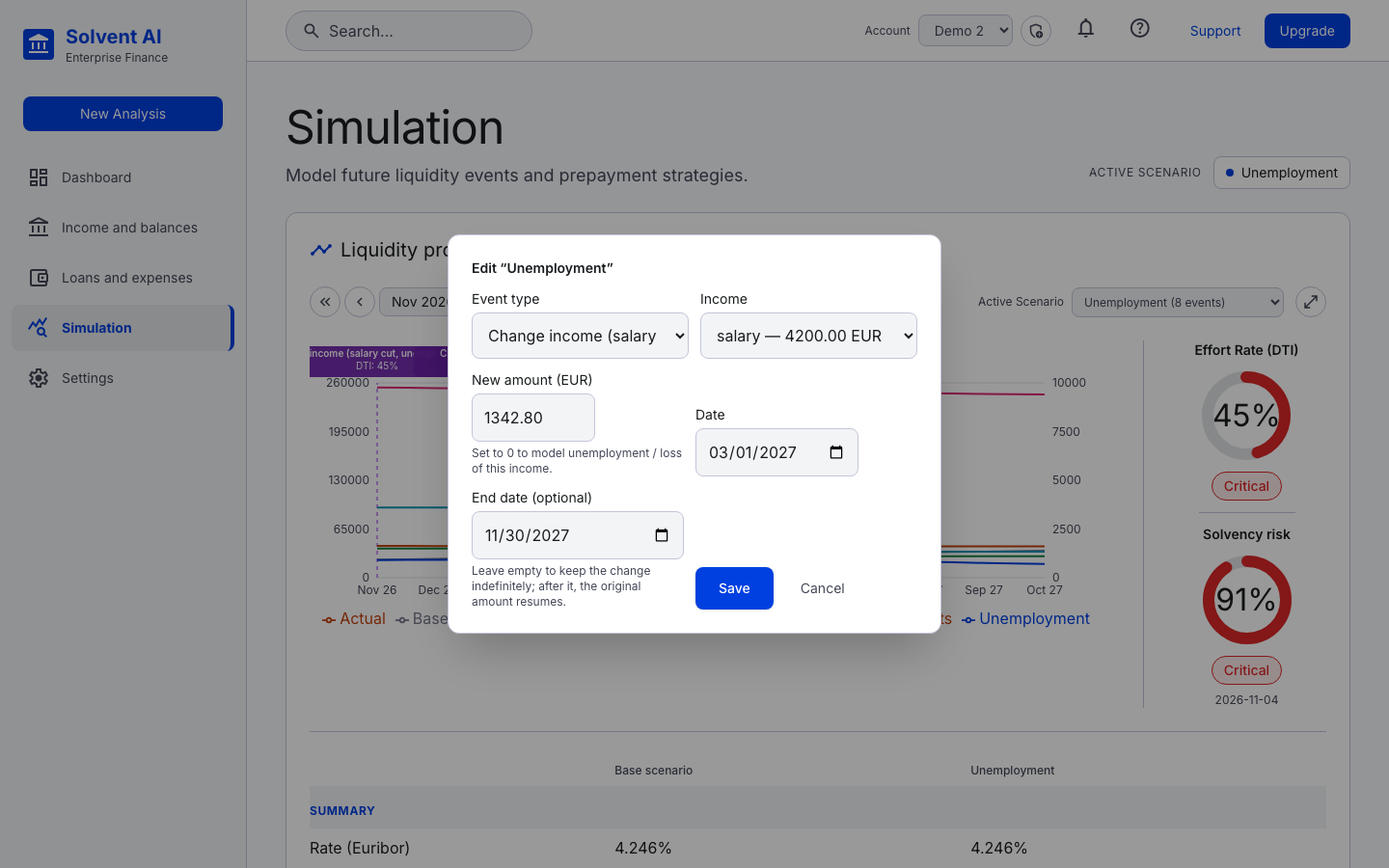
Every event has Edit and Delete buttons. Edit opens a pop-up with the event's current values:
Example: the "Unemployment" scenario (Demo 2)
The demo models a salary cut, job loss, unemployment allowance and a new job. The base salary is €4,200/month and living costs are €1,500/month.
| Date | Event | Until |
|---|---|---|
| 2026-11-01 | Salary cut to €3,600 | 2027-01-31 |
| 2027-02-01 | Severance payment €8,400 (one-time income) | — |
| 2027-02-01 | Salary → €0 (waiting for the allowance) | 2027-02-28 |
| 2027-02-01 | Living expenses cut to €1,100 | 2028-01-31 |
| 2027-03-01 | Unemployment allowance €1,342.80 | 2027-11-30 |
| 2027-04-01 | Training course €750 (one-time expense) | — |
| 2027-12-01 | Allowance ends, salary → €0 | 2028-01-31 |
| 2028-02-01 | New job at €3,900 | — |
The scenario's effort rate goes critical while income is reduced, and the comparison table shows how quickly the checking account drains compared with the base case.